

Run Your Store From One Powerful App
Empower store managers to streamline operations by centralizing order management, inventory control, and customer service across all channels.

Run Your Store From One Powerful App
Empower store managers to streamline operations by centralizing order management, inventory control, and customer service across all channels.
Catalogue & Inventory Management
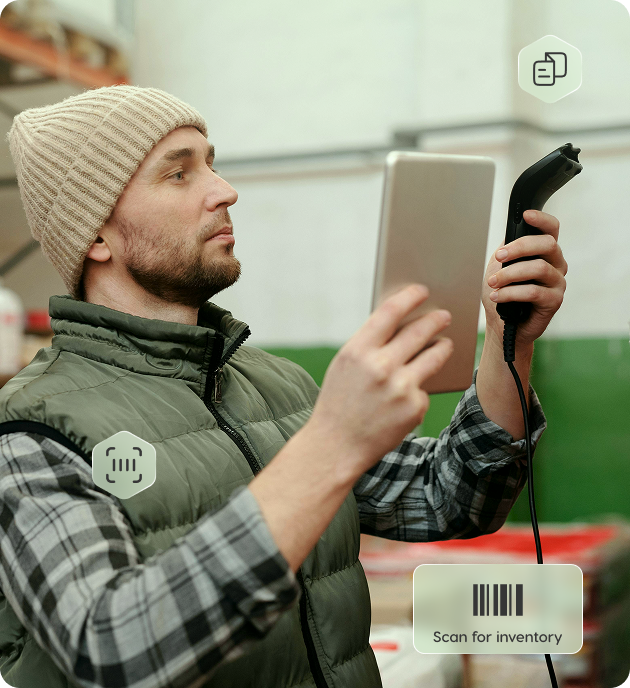
The Merchant App gives stores full visibility of their active catalog and stock position.
Omni Channel Extensions
The Catalog powers two keys omnichannel features
Inter-Store Transfer (IST)
Move inventory between stores without friction.
- Stores can request or receive transfers
- Receiving store may accept or reject
- Full visibility of IST lifecycle from both sender and receiver apps
- No station involved: internal stock balancing only
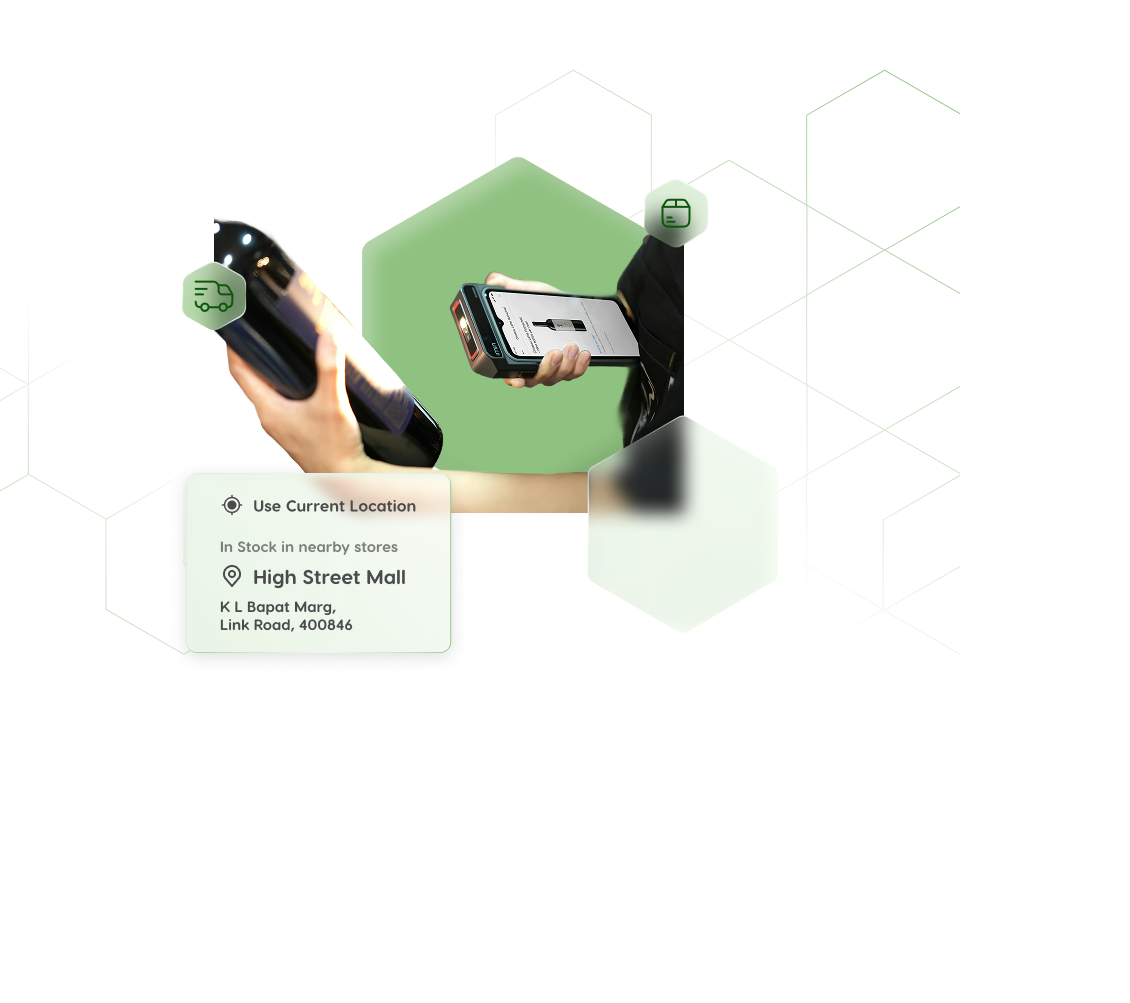
Endless Sale / Endless Aisle
Serve customers when products are not available at the store.
- Search the entire catalog and find nearest stores with required stock
- Create customer orders fulfilled by another store
- True fulfillment options: Deliver to Customer or Deliver to Store (Pick-up)
Order Processing Module
A unified workspace that handles all order-related workflows for the store.
Delivery Type Awareness
Delivery Order
- Requires shipment creation.
- Supports single and split shipments.
- Courier assignment or self-delivery (via Rider App).
- Invoice download & shipping label printing.

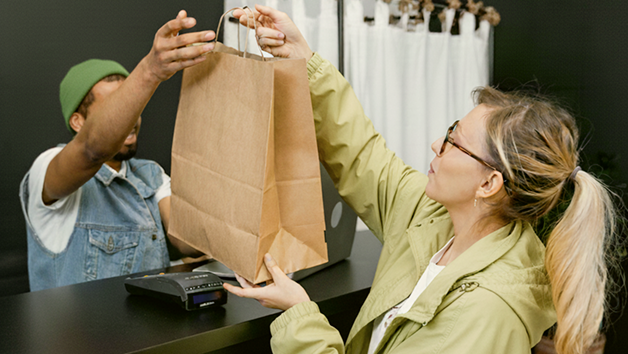
Store Pickup Order
- Shipment creation is not allowed.
- After acceptance and readiness, the store simply marks the order as Ready for Pickup.
- Status flow is optimized for in-store collection.
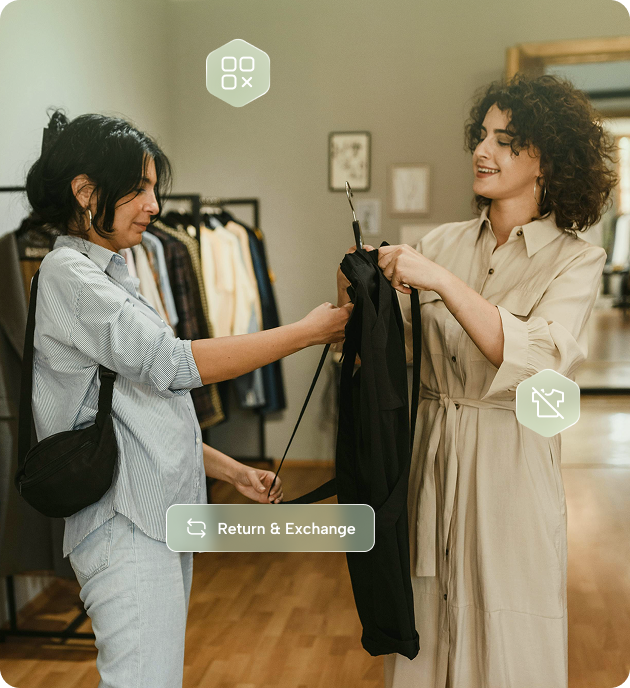
Return Handling – BORIS (Buy Online, Return In Store)
The Merchant App supports in-store returns for online orders.
BORIS lets customers return online orders at any store location. Process returns directly through the app, validate eligibility, and update status instantly—improving convenience while eliminating return pickup charges.
Return Handling – BORIS (Buy Online, Return In Store)
The Merchant App supports in-store returns for online orders.
BORIS lets customers return online orders at any store location. Process returns directly through the app, validate eligibility, and update status instantly—improving convenience while eliminating return pickup charges.
Fulfillment Workflow
Streamlined workflows for delivery and pickup. Create invoices, print shipping labels, and monitor status in real-time.
Picking & Packing
For warehouse-style picking categories, routes lead to the Picking App, while categories without picking remain in the Merchant App.

Tracking
Invoice & Shipment Creation
The system supports auto invoice generation, multi-shipment creation, courier partner assignment, and self-delivery routes for the Rider App.
Retail Store Features

Built for businesses like yours. Let's connect
- 1.Fill out the formShare your contact information to get started
- 2.Speak to an expertA member of our sales team will get in touch with you